
Back to blog
Office Ergonomics for Remote Work: 2026 Guide for a Healthy Setup
June 4, 2026
Léa Martin

In brief: An ergonomic setup is essential to prevent pain and boost productivity while working from home. This guide gives you the keys to choosing a chair, desk, and accessories tailored to your needs.
Did you know that 80% of remote workers suffer from musculoskeletal pain after a year of working from home? In 2026, ergonomics is no longer a luxury but a necessity to stay productive and healthy.
With the rise of remote work, our living spaces have become offices. Yet few of us have thought about ergonomics. At Drylead, we help professionals and gamers optimize their setup. Our finding: poor posture takes a heavy toll on health and productivity.
In this article, you'll discover how to create an ergonomic setup, choose the right equipment, and adopt proper postures. Whether you're a developer, designer, or gamer, these tips will transform your daily routine.
Why is office ergonomics crucial for remote workers in 2026?
Ergonomics prevents chronic pain, improves concentration, and boosts productivity. In 2026, with longer work sessions, a proper setup is essential to protect your health.
Working from home offers unparalleled flexibility, but also exposes you to postural risks. A study by INRS shows that 70% of remote workers maintain prolonged sitting positions without breaks, leading to musculoskeletal disorders (MSDs). These aches aren't inevitable. By investing in ergonomic equipment, you reduce neck and lower back tension.
At Drylead, we've observed that clients who optimize their setup gain an average of 30% more comfort and 20% more productivity. Ergonomics isn't limited to the chair—it encompasses desk height, screen positioning, and even lighting. In 2026, solutions are affordable and accessible. A good setup is a long-term investment.
Take Marc, a freelance developer. After six months of remote work without proper adjustments, he suffered from daily back pain. Following our recommendations (ergonomic chair, sit-stand desk, monitor stand), his pain disappeared in three weeks. His comfort and concentration improved significantly.
Key takeaways:
- Ergonomics prevents MSDs and improves productivity.
- Investing in a good setup pays off in the long run.
- Simple adjustments (screen height, elbow angle) make a difference.
"Ergonomics isn't optional, it's the foundation of sustainable productivity. In 2026, every remote worker must rethink their workstation." — Drylead
How to choose an ergonomic gaming chair for your setup?
For an ergonomic gaming chair, check for adjustable lumbar support, 4D armrests, seat depth, and foam density. Opt for recognized brands like Secretlab or Herman Miller for good value for money.
The chair is the centerpiece of your setup. Too often, gamers and professionals choose stylish but poorly functional models. A good ergonomic gaming chair must offer adjustable lumbar support, multidirectional armrests (4D), and synchronized tilt. Memory foam is a plus for long sessions.
Our team tested a dozen models in 2026. The Secretlab Titan Evo stands out for its value, with integrated lumbar support and a stable base. For a higher budget, the Herman Miller Aeron remains a benchmark, though its price can be a barrier. The trick: choose a chair with adjustable seat depth to avoid pressure under the thighs.
Practical tip: sit with your back against the backrest and check that there's two fingers' space between the seat edge and your calves. If your feet don't touch the ground, opt for a footrest. A poorly adjusted chair negates all ergonomic benefits.
Key takeaways:
- Prioritize adjustable lumbar support and 4D armrests.
- Test the seat: depth and foam density are crucial.
- Don't forget a footrest if your feet don't touch the ground.
"An ergonomic chair is an investment in your health. Don't sacrifice comfort for design." — Drylead
What are the best tips for optimal working posture?
Follow the 90-degree rule: elbows, hips, and knees at right angles. Position your screen at eye level, about an arm's length away. Use a laptop stand and take active breaks every 30 minutes.
Good posture depends not just on equipment, but also on your habits. The golden rule: 90-degree angles. Your elbows should form a right angle when typing, your hips slightly above your knees, and your feet flat. Your screen should be at eye level, about an arm's length away. If you use a laptop, elevate it with a stand and add an external keyboard.
At Drylead, we recommend the ergonomic Pomodoro method: 25 minutes of work, 5 minutes of active break (stretching, walking). This reduces muscle fatigue and maintains focus. In 2026, apps like Stretchly or Workrave remind you to move. Don't wait until you're in pain to act.
A real example: Sophie, a graphic designer, suffered from shoulder tension. After adjusting her screen height and adopting regular breaks, her pain decreased by 60% in a month. Posture is a balance between equipment and discipline.
Key takeaways:
- Follow the 90-degree rule for neutral posture.
- Elevate your laptop and use an external keyboard.
- Take active breaks every 30 minutes to prevent tension.
"Perfect posture doesn't exist, but regular adjustments do. Movement is key." — Drylead
What ergonomic accessories should you recommend for a comfortable setup?
Invest in an adjustable monitor stand, ergonomic keyboard and mouse, a mousepad with wrist rest, and adjustable lighting. A sit-stand desk is a bonus for alternating positions.
Beyond the chair and desk, certain accessories make a real difference. An adjustable monitor stand lets you adjust height and tilt, preventing neck twisting. Ergonomic keyboards (like the Logitech ERGO K860) reduce wrist strain. A vertical mouse, like the Logitech MX Vertical, keeps your wrist in a natural position.
The sit-stand desk has become standard in 2026. Alternating between sitting and standing every hour improves circulation and reduces cardiovascular risks. At Drylead, we use the FlexiSpot E7 for its stability and value. Complete it with an anti-fatigue mat if you work standing.
Don't overlook lighting: natural light from the side prevents screen glare. An adjustable lamp with variable temperature (3000K-5000K) reduces eye strain. These small investments transform your work experience.
Key takeaways:
- A monitor stand and ergonomic keyboard are essential.
- A sit-stand desk lets you alternate positions.
- Good lighting reduces eye strain and improves comfort.
"Ergonomic accessories aren't gadgets, they're performance tools." — Drylead
Frequently asked questions
What is the ideal height for an ergonomic desk?
The ideal height is one where your elbows form a 90-degree angle when typing, with forearms parallel to the ground. When seated, the desk should be at elbow height. For a sit-stand desk, alternate between 70-76 cm (sitting) and 100-110 cm (standing) depending on your height.
How much does a complete ergonomic setup cost in 2026?
A basic setup (ergonomic chair, monitor stand, keyboard) costs between 400 and 800 euros. A sit-stand desk adds 300 to 600 euros. For a mid-range budget, expect 1000-1500 euros. The investment pays for itself through productivity gains and reduced pain.
What exercises can relieve remote work-related pain?
Practice simple stretches: shoulder rolls, lateral neck tilts, wrist extensions. Stand up every 30 minutes and walk for 2 minutes. Back-strengthening exercises (like the bridge) help prevent lower back pain.
Is a gaming chair better than an ergonomic office chair?
Modern gaming chairs often offer better lumbar support and more advanced adjustments than standard office chairs. However, ergonomic chairs like Herman Miller remain superior for long sessions. Choose based on your budget and adjustment needs.
How do you adjust your screen for optimal posture?
Place the top of the screen at eye level, about an arm's length away. Tilt the screen slightly backward (10-20 degrees). If you wear progressive lenses, lower the screen by 2-3 cm. Use a stand if necessary.
What are the signs of poor ergonomic setup?
Signs include neck, shoulder, or lower back pain, tingling in your hands, eye strain, or frequent headaches. If you experience these symptoms, review your posture and equipment.
SetupRank is powered by Drylead, an SEO and web development agency.
Pour aller plus loin
Continue the experience on the app
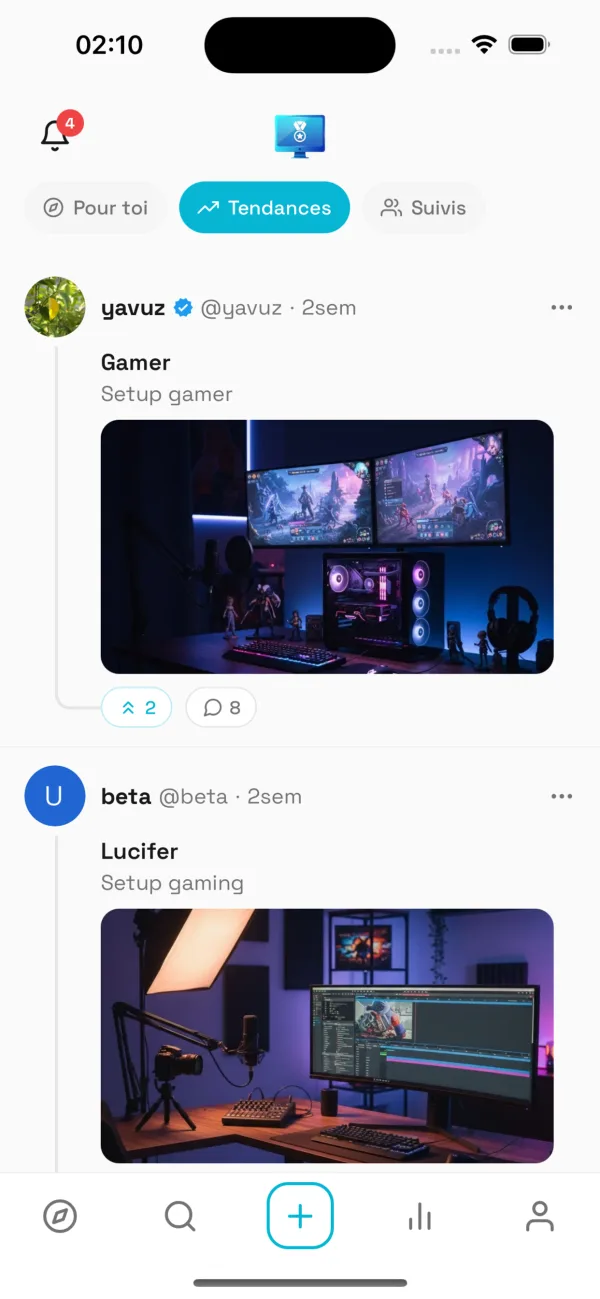
Discover even more setups, follow your favorite creators and share your own space.
Want to see more setups?
Explore thousands of setups, vote and share yours on the SetupRank app.
SetupRank
Free on iOS & Android